NxCode: A Complete Guide for SaaS Professionals
NxCode
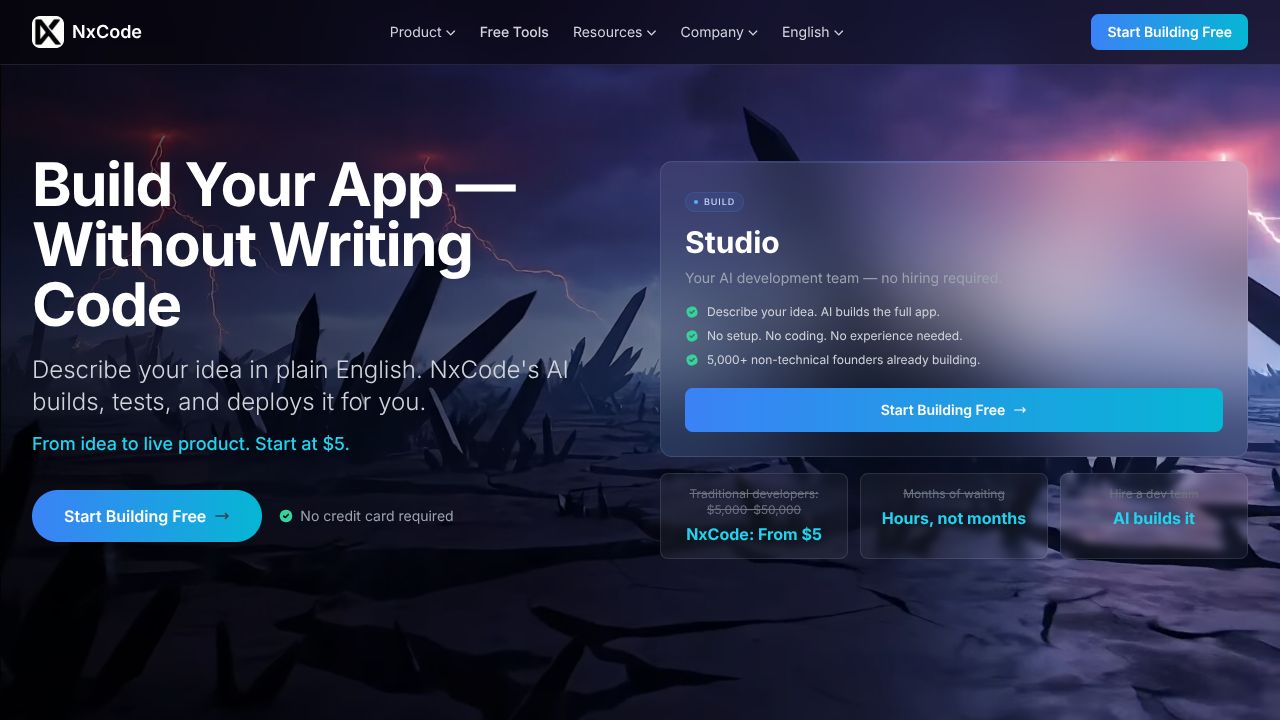
NxCode offers full-stack AI landing page generation with app-level functionality for complex, interactive pages.
Ever spent weeks of developer resources trying to turn a static landing page into a functional product demo, only to end up with a high bounce rate and a broken "Contact Us" form?
In my 15 years in the SaaS trenches, I’ve seen the same cycle repeat: marketing wants a high-converting page with interactive elements, but engineering is too busy building the actual product to care about a "functional" landing page. Usually, you’re forced to choose between a pretty but dumb template from a site builder or a custom-coded page that takes a month to ship. This is where the hype usually hits a wall. However, NxCode is doing something I haven't seen since the early days of the low-code movement—it’s generating full-stack, app-level functionality through AI. We aren't just talking about text and images; we’re talking about functional interactivity that actually moves the needle for SaaS lead gen.
Laying the Foundation: Your First 5 Minutes in NxCode
Getting started doesn't require a deep dive into documentation. Unlike the enterprise behemoths I’ve consulted for, NxCode’s onboarding is refreshingly lean. Visit NxCode and sign up for the entry-level tier. At $5, it’s a "low-stakes" experiment that actually yields high-fidelity results.
Once you’re in the dashboard, you’ll be prompted to describe your project. The mistake most SaaS founders make here is being too vague. Don't just say "I want a landing page for a CRM." Instead, describe the interactions. Tell the AI you need a pricing calculator that updates in real-time or a functional dashboard preview. This is where the tool’s engine begins to separate the UI from the underlying logic.
Beyond the Surface: Mastering Functional Interactivity
To get the most out of this tool, you need to look past the "AI generation" buzzword and focus on these three core capabilities:
- >App-Level Logic Generation: Most AI builders give you a static HTML file. NxCode generates functional components. If you need a lead capture form that validates data or a mini-app that demonstrates your software’s core value proposition, you can prompt for it directly.
- >Custom Development Injection: For the developers reading this: you aren't locked into a black box. You can tweak the generated code to integrate with your existing APIs. This is crucial for SaaS products that need to verify user data on the fly.
- >Dynamic State Management: One of the hardest things to get right on a landing page is "state"—making sure the page remembers what a user clicked. NxCode handles this natively, allowing for complex, multi-step flows without a backend engineer.
Pro Tips for SaaS Veterans: The "Value-First" Strategy
If you’ve been in the game as long as I have, you know that "flashy" doesn't sell—"utility" sells. Use NxCode to build Interactive ROI Calculators. Instead of telling a prospect they’ll save money, build a functional tool where they can input their team size and current spend.
Another veteran move: use the "App Integration" feature to mock up a live version of your SaaS product's dashboard. Prospective customers are tired of screenshots. Giving them a functional, interactive preview generated by AI allows them to "feel" the UX before they even sign up for a trial. This is how you cut through the noise in an oversaturated market.
Common Pitfalls: Where Most SaaS Founders Trip Up
Even with a tool this powerful, I see people make the same three mistakes:
- >Over-complicating the Prompt: The AI is good, but it’s not a mind reader. If you ask for "the next Facebook," you’ll get a mess. Focus on one specific functional goal per page.
- >Ignoring the Mobile UX: Functional interactivity is great on a 27-inch monitor, but it can break on a phone. Always test the "app-level" features on a mobile viewport before publishing.
- >Treating it Like a "Set and Forget" Tool: AI gets you 90% of the way there. That last 10%—the brand voice and specific CTA alignment—still requires a human touch. Don't be lazy.
How It Compares to the Ecosystem
In the current SaaS landscape, you have plenty of options, but they serve different masters.
If you just need a simple, high-converting page without the complex app logic, Carrd is still the king of minimalism and price. For those who want more design control but don't need the AI to write the functional code for them, Elementor remains a staple in the WordPress ecosystem. However, neither of those tools can generate a functional, state-driven application UI from a single prompt like NxCode can. NxCode sits in that sweet spot between a "site builder" and a "software prototype."
Conclusion: Is NxCode Right for You?
If you are a solo founder or a lean marketing team that needs to ship functional, interactive landing pages that feel like a real product, NxCode is a no-brainer. For $5, you’re getting a prototype-grade tool that bypasses the "static page" limitations of traditional builders.
However, if you just need a basic blog or a "Coming Soon" page with a single email field, this might be overkill. But for those of us who believe in Tools Not Hype, the ability to show—not just tell—your product's value through functional AI generation is a massive competitive advantage.